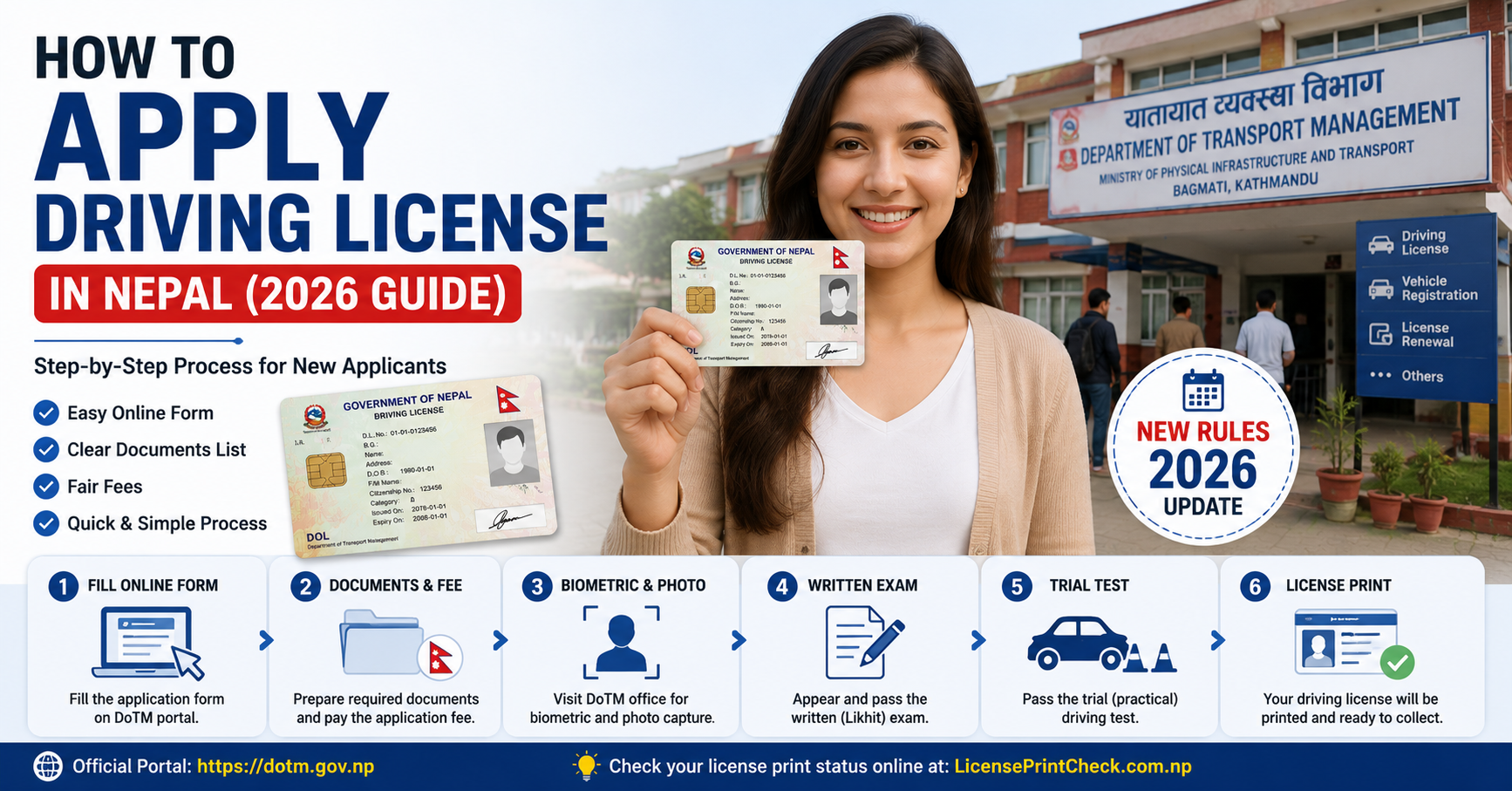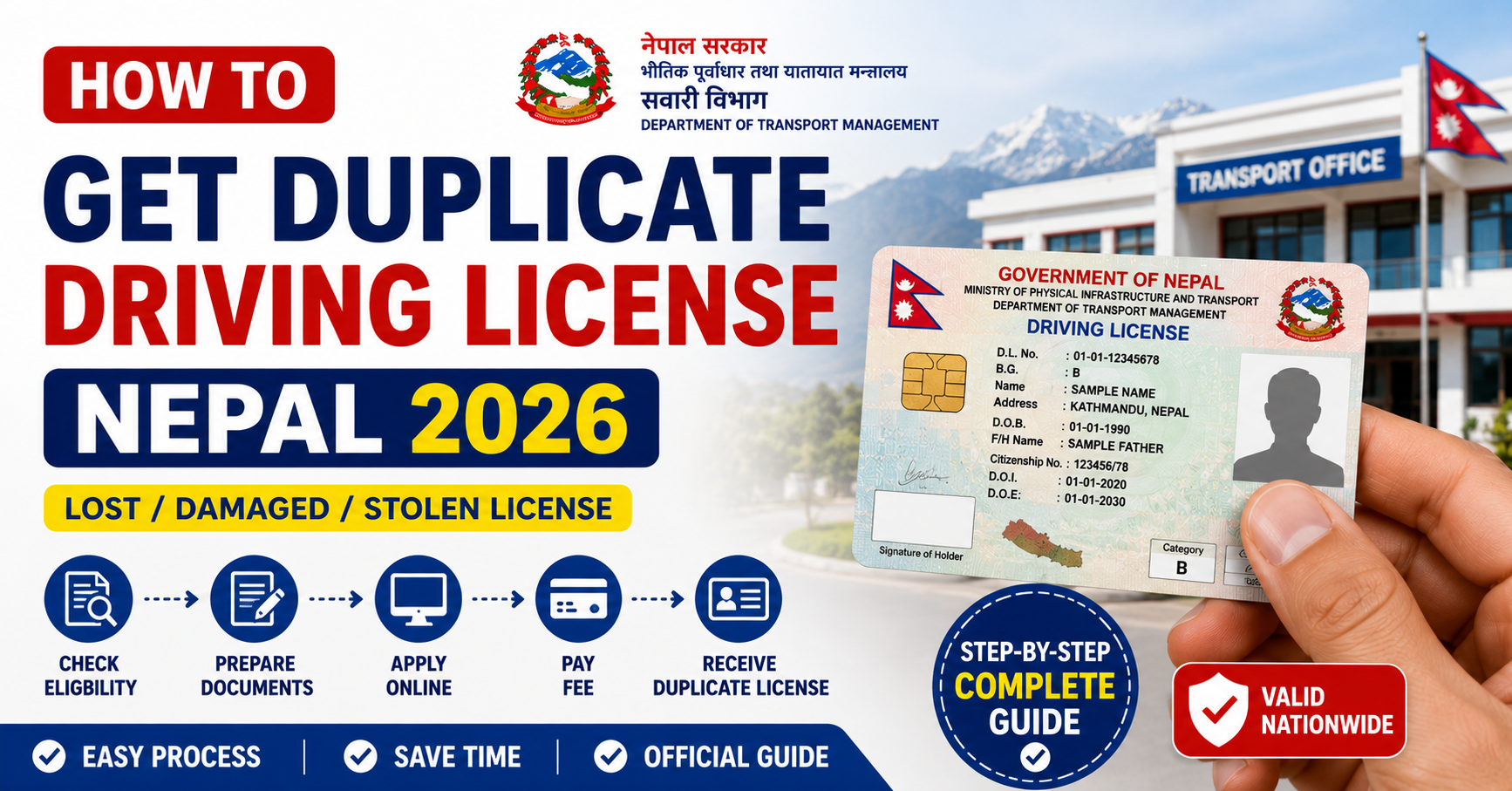
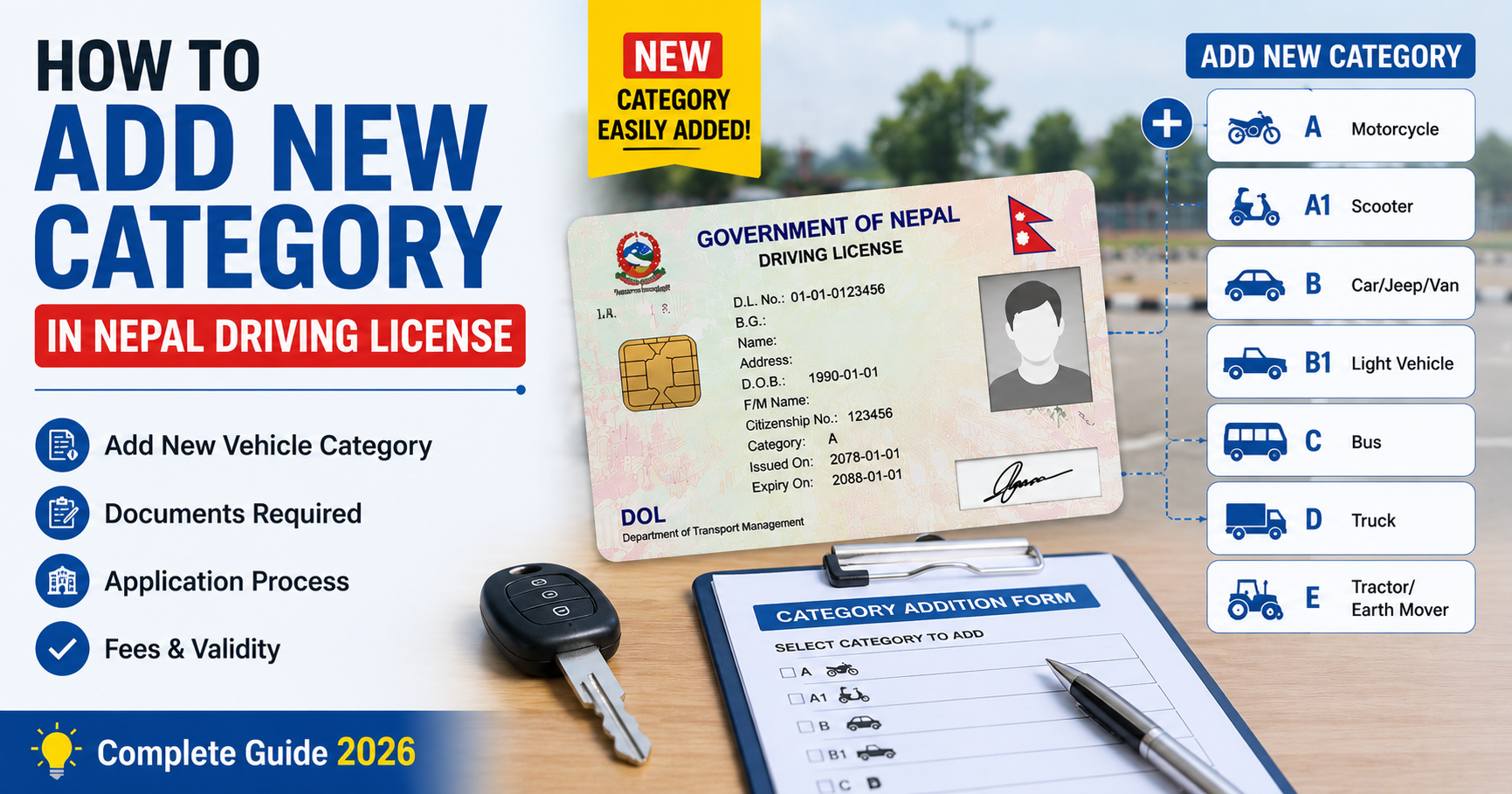
Many Nepali drivers hold a Category A motorcycle license and later want to legally drive a car — or hold Category B and want to add a commercial vehicle category. Adding a new vehicle category to your existing Nepal driving license does not require starting the process from scratch. Here is everything you need to know in 2026.
Nepal Driving License Category Overview
| Category | Vehicles Covered | Minimum Age | Prerequisite |
|---|---|---|---|
| Category A | Motorcycle, Scooter (up to 250cc) | 16 years | None |
| Category A1 | Motorcycle above 250cc | 18 years | Category A |
| Category B | Car, Jeep, Van (up to 3,500 kg) | 18 years | None |
| Category C | Mini Truck, Mini Bus | 21 years | Category B |
| Category D | Heavy Truck, Bus | 21 years | Category B or C |
| Category E | Earthmoving / Heavy Construction | 21 years | Category D |
Key rule: You cannot skip categories. To get Category C or D, you must already hold Category B. DOTM will reject an application for Category D from someone who only holds Category A.
Documents Required to Add a Category
- Current valid driving license — Original smart card (the license you are adding to)
- Citizenship certificate — Photocopy
- Medical certificate — Fresh certificate from a registered doctor dated within 6 months
- Application fee receipt — From the DOTM portal (paid online)
Step-by-Step: How to Add a Category to Your Nepal License
Step 1: Check Eligibility
Before applying, confirm that you meet the minimum age and prerequisite category requirements (see the table above). Applying without meeting prerequisites wastes your fee and time.
Step 2: Log into the DOTM Portal
Visit applydlnew.dotm.gov.np and log in with your existing account. Your current license and personal details should already be on file.
Step 3: Select "Add Category" Application
In your dashboard, look for Add Category or New Category Application. Select the additional category you want to add and enter your existing license number.
Step 4: Upload Documents
Upload your medical certificate and a copy of your citizenship. Your biometric data is already in the DOTM system — you will need to attend biometrics again only if you are adding a professional category (C, D, or E) or if significant time has passed since your original biometric capture.
Step 5: Pay the Application Fee
Pay NPR 400 as the application fee for the new category. You will also pay the smart card fee later (NPR 1,500–2,000 depending on the category) when your new combined smart card is issued.
Step 6: Attend the Written Exam (Likhit)
Even if you passed the Likhit before, you must sit the written exam again for the new category. The exam covers the same subject matter but confirms you meet the knowledge standard for the new vehicle class.
Step 7: Attend the Trial Test
A new practical trial test is required for the additional category. For adding Category B (car), this involves the forward and reverse parking tests. For commercial categories (C, D), the maneuverability requirements are more demanding.
Step 8: Receive Your New Combined Smart Card
After passing both exams, your application enters the printing queue. A new smart card is issued showing all your categories. Your old card is cancelled. Track printing status at LicensePrintCheck.com.
Fees Summary for Adding a Category
| Fee Type | Amount |
|---|---|
| New category application fee | NPR 400 |
| Smart card fee (Category A addition) | NPR 1,500 |
| Smart card fee (Category B, C, or D addition) | NPR 2,000 |
| Written exam retake (if failed) | NPR 400 |
| Trial retake (if failed) | NPR 400 |
Does Adding a Category Change Your License Expiry Date?
No. The new smart card carries the same expiry date as your original license. You do not get a fresh 5-year validity period by adding a category. If you are close to your existing expiry date, consider renewing simultaneously and asking DOTM to process both together — this avoids paying for two separate smart cards.
How Long Does the Process Take?
From application to new smart card in hand, the process typically takes:
- Online application + biometric appointment booking: 1–3 days
- Biometric (if required) to written exam scheduling: 2–4 weeks
- Written exam to trial scheduling: 1–3 weeks
- Trial to smart card printing: 15–30 working days
Total time from application to new card: approximately 2–4 months.
Frequently Asked Questions
Can I drive the new vehicle type while waiting for my updated smart card?
No. Until your new smart card is issued showing the additional category, you are not legally licensed to drive vehicles in that class. Wait for the physical card.
Do I need to surrender my old license when applying to add a category?
Not during the application stage — only when collecting your new combined smart card. At that point, DOTM will cancel and take back the old card.
Can I add multiple categories in one application?
You can apply for categories you are eligible for at the same time. However, if prerequisites require a specific sequence (e.g., you need Category B before Category C), you must complete each step before moving to the next.
Is the written exam different for Category B vs Category C?
The core question bank is the same, but Category C and D exams include additional questions about commercial vehicle rules, load regulations, and passenger safety that are not typically tested for Category A and B.