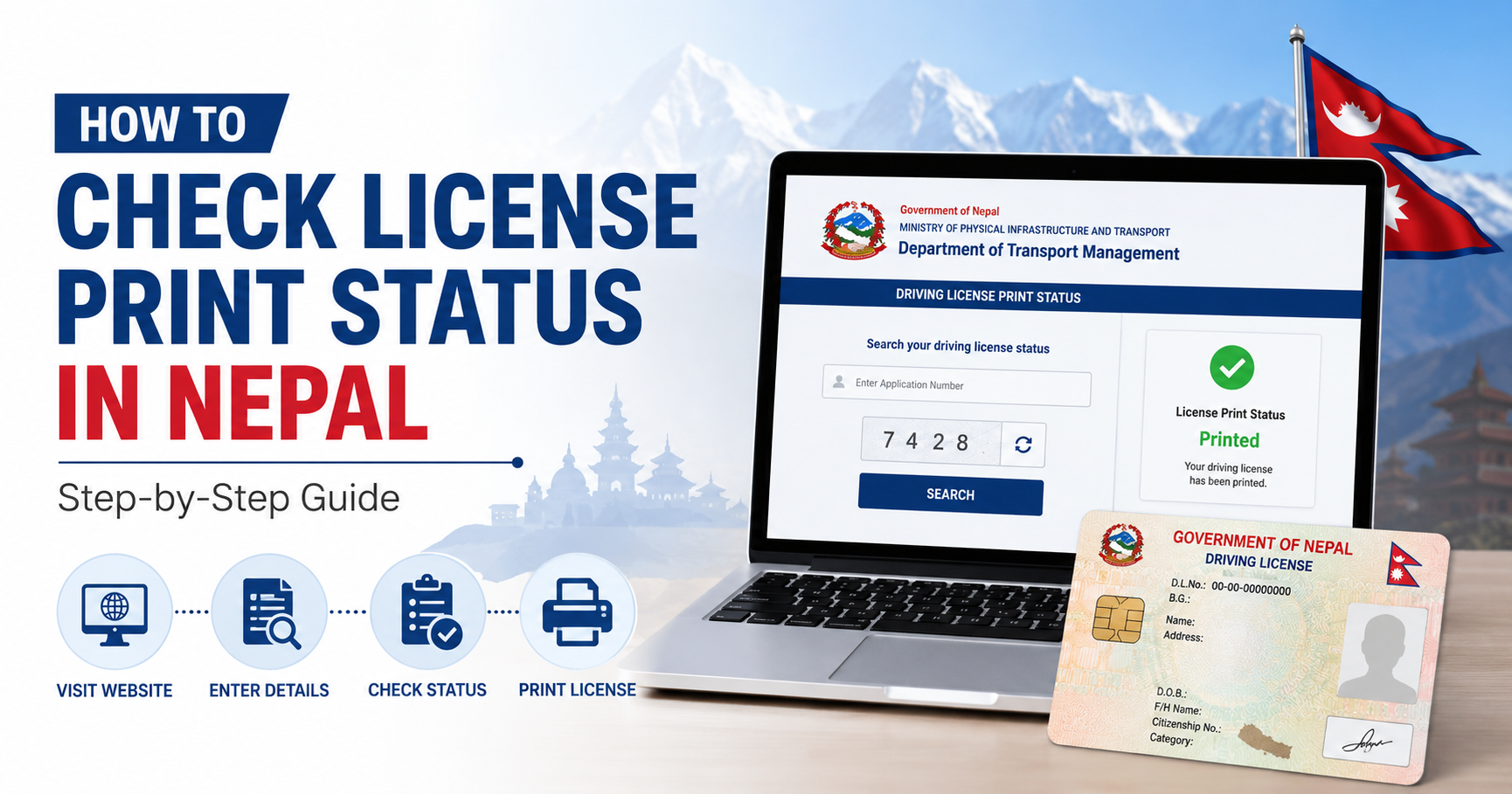
Checking your driving license print status in Nepal is now easier than ever. The Department of Transport Management (DOTM) provides an online portal where you can instantly verify whether your license has been printed and is ready for collection.
In this guide, we walk you through the complete process step by step.
What is License Print Status?
After you pass your driving test and complete the application process, DOTM processes your license and sends it to the printing unit. The license print status tells you whether your license has been:
- Approved – Your application is approved and queued for printing
- Printed – Your license has been printed and is ready for collection
- Dispatched – Your license has been sent to your nearest transport office
- Not Found – Application not yet processed or details incorrect
What You Need Before Checking
Before you begin, make sure you have the following information ready:
- Your Driving Licence Number
- Your Date of Birth (in BS or AD format)
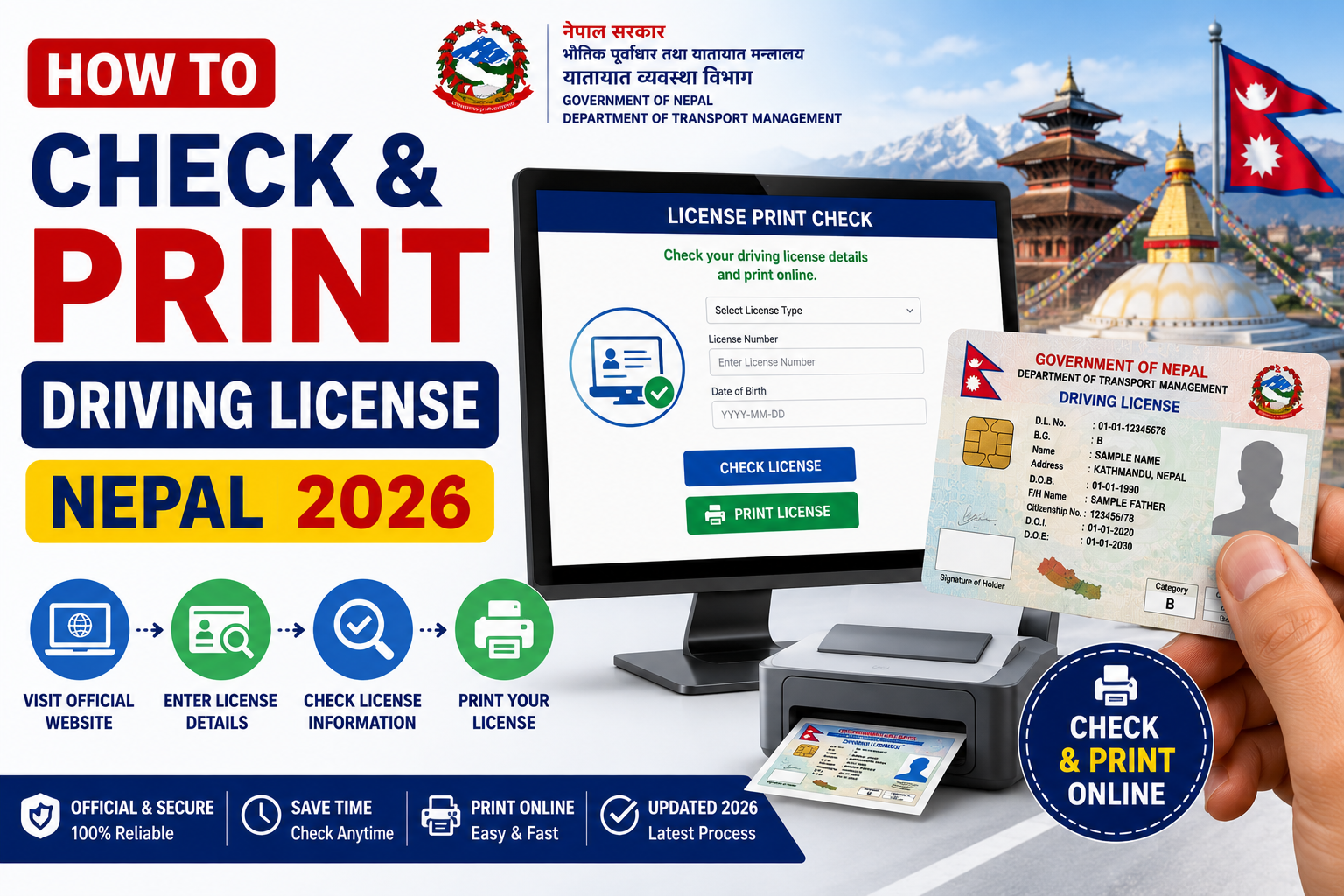
Step-by-Step: How to Check License Print Status
Step 1: Visit the Official DOTM Portal
Go to the official DOTM website at dotm.gov.np or use our quick checker tool at LicensePrintCheck.com.
Step 2: Navigate to License Services
On the DOTM homepage, look for the License Services or Driving Licence section in the main menu.
Step 3: Enter Your Details
Fill in your Driving Licence Number and Date of Birth in the provided fields. Make sure the details match exactly what was submitted during your application.
Step 4: Submit and View Status
Click the Check Status or Submit button. Your license print status will be displayed on the screen within seconds.
Understanding the Status Results
| Status | Meaning | Action Required |
|---|---|---|
| Approved | License approved, awaiting print | Wait 7–14 working days |
| Printed | License printed successfully | Visit transport office for collection |
| Dispatched | Sent to local transport office | Collect with citizenship & receipt |
| Not Found | No record found | Recheck details or contact DOTM |
How Long Does It Take to Print a Driving License in Nepal?
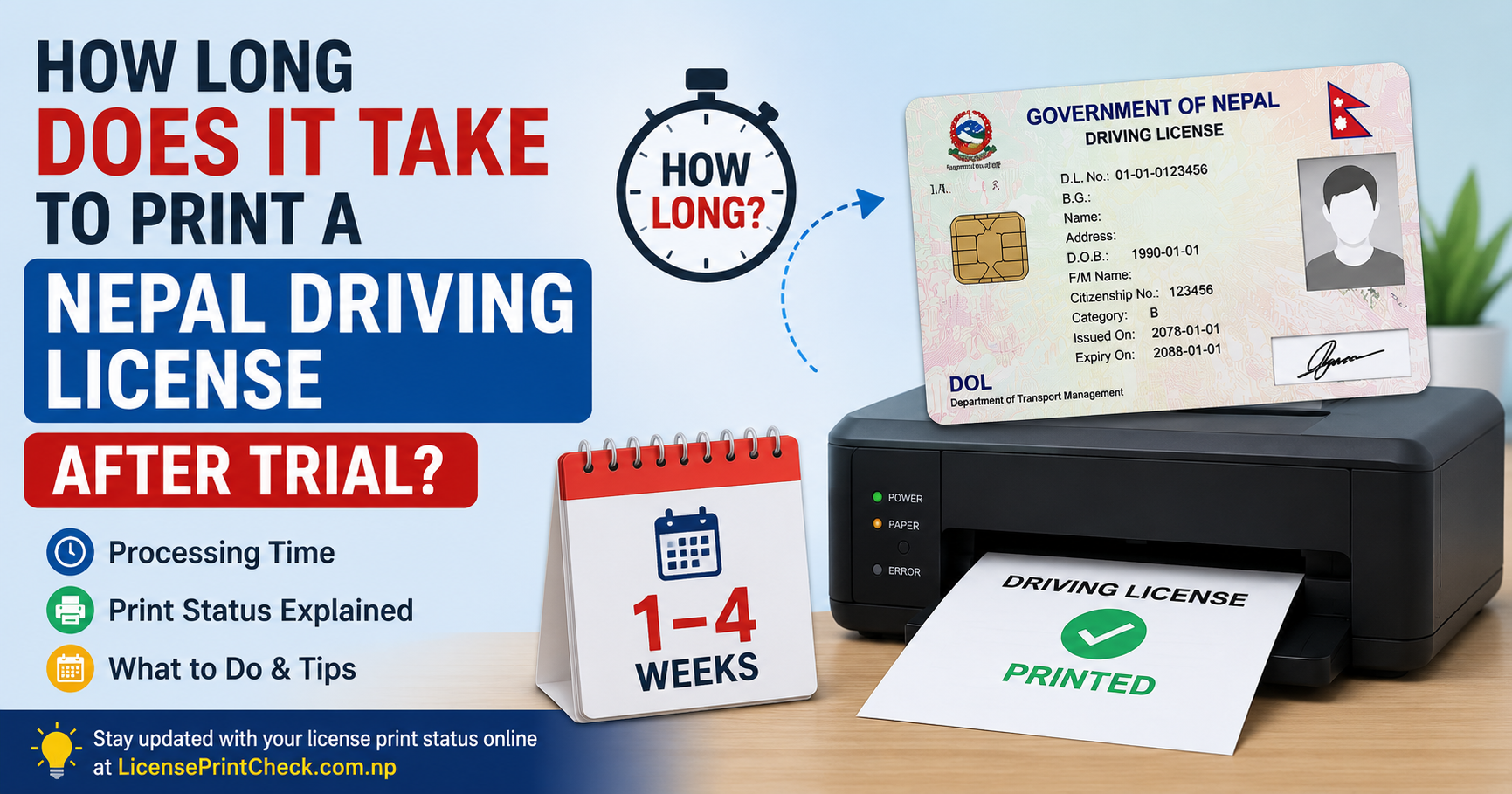
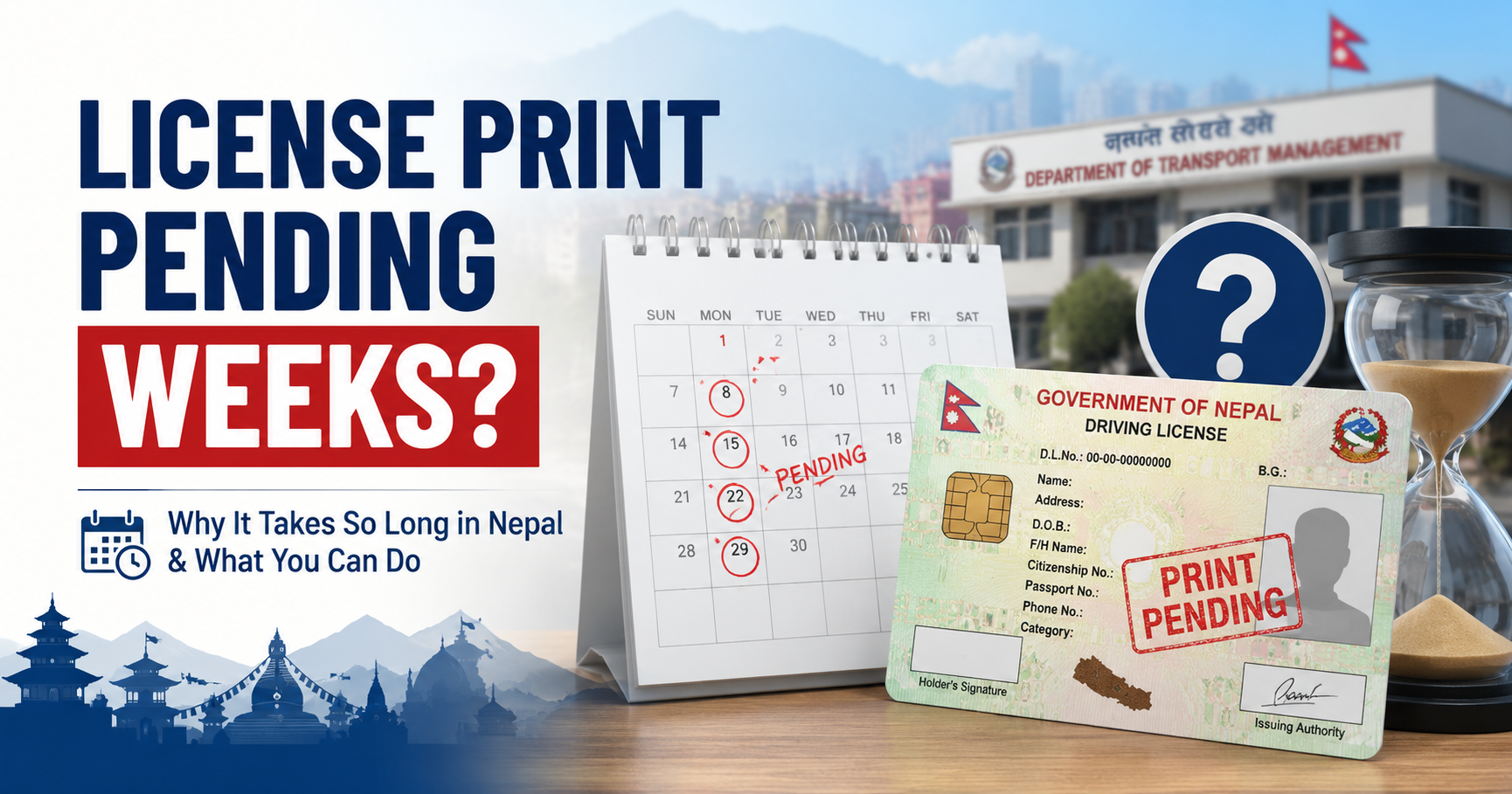
On average, it takes 15–30 working days after approval for a driving license to be printed and ready for collection. However, processing times may vary depending on the volume of applications at DOTM.
Tip: Check your status every 3–4 days after approval. You will receive no automatic notification when your license is ready.
What to Do if Status Shows "Not Found"
If the portal shows "Not Found", try the following:
- Double-check your licence number and date of birth
- Try both BS and AD date formats
- Wait 24–48 hours if you recently submitted your application
- Contact your nearest transport office directly
- Call DOTM helpline for assistance
Documents Required for License Collection
Once your license status shows "Printed" or "Dispatched", visit your nearest transport office with:
- Original citizenship certificate
- Application receipt / token number
- Passport-size photograph (if requested)
Frequently Asked Questions
Can I check license status without a licence number?
No. You must have your licence number to check the print status on the DOTM portal.
Is LicensePrintCheck.com an official government website?
No. LicensePrintCheck.com is an independent informational platform. For official status checks, always use the DOTM government portal.
How many times can I check my status?
There is no limit. You can check your driving license print status as many times as needed.