The Nepal Department of Transport Management (DOTM) now lets you check your driving license smart card print status entirely online. Whether you passed your trial last week or months ago, this guide shows you exactly how to verify your status in 2026.
What is the Nepal License Print Check System?
After passing your driving trial and completing biometrics at DOTM, your application enters the smart card printing pipeline. The License Print Check system lets you track where your card is in that pipeline — without visiting any office.
You can check status directly through our tool at LicensePrintCheck.com or through the official DOTM portal.
What You Need to Check Your Status
- Your Driving Licence Number (from your application receipt)
- Your Date of Birth in BS (Bikram Sambat) format
Step-by-Step: How to Check License Print Status in Nepal 2026
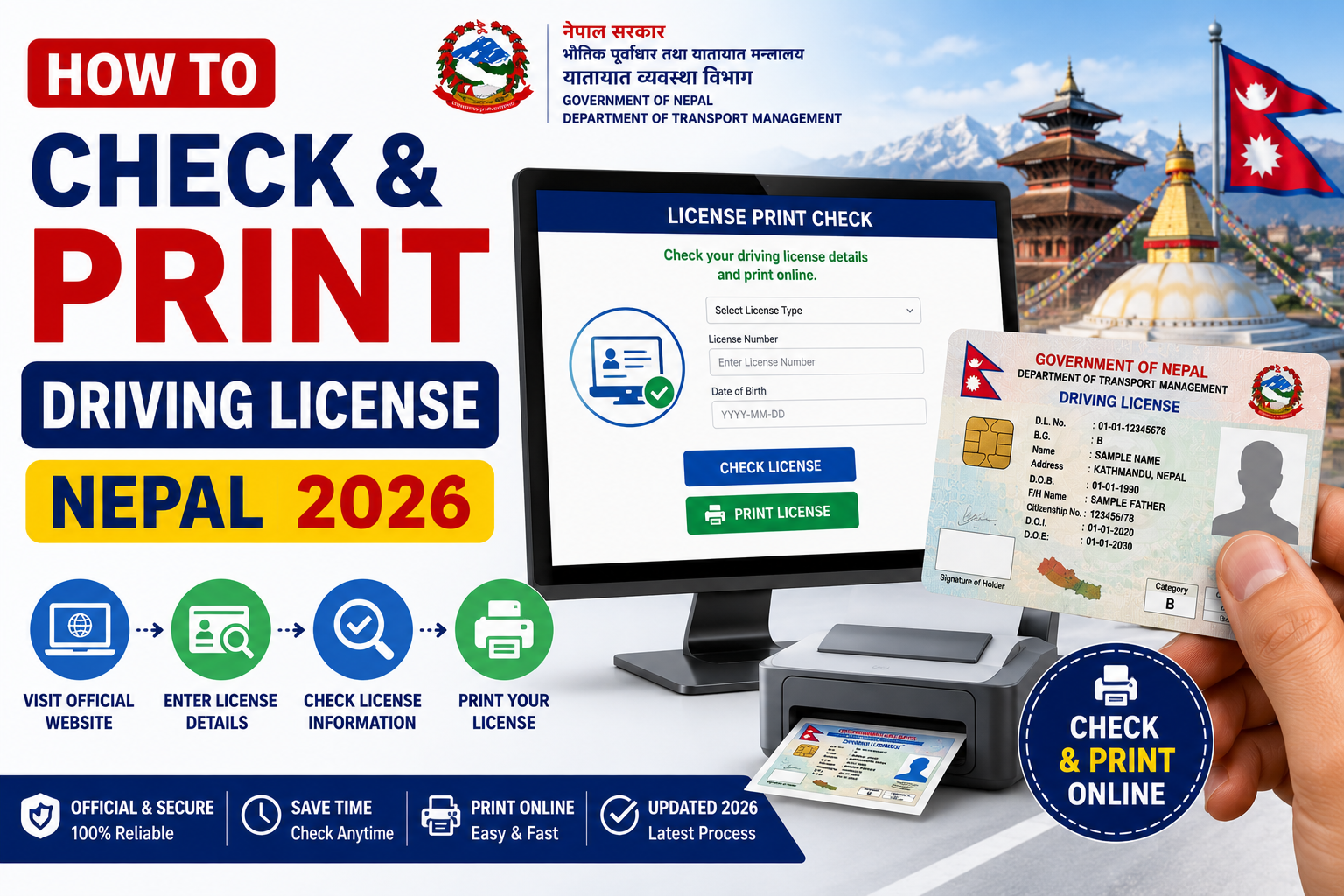
Step 1: Open the DOTM Portal
Visit dotm.gov.np or use the quick checker at LicensePrintCheck.com which redirects you directly to the correct page.
Step 2: Find the Print Status Section
On the DOTM portal, look for "License Print Status" or "Driving Licence Smart Card Status" in the services menu.
Step 3: Enter Your Licence Number
Type your licence number exactly as shown on your application receipt. Even a single digit error will return "Not Found."
Step 4: Enter Date of Birth
Enter your date of birth in BS format (YYYY/MM/DD). If the system rejects it, try the AD format as a fallback.
Step 5: Submit and Read Your Status
Click Search or Check Status. Your result appears within seconds.
Understanding Your Status Result
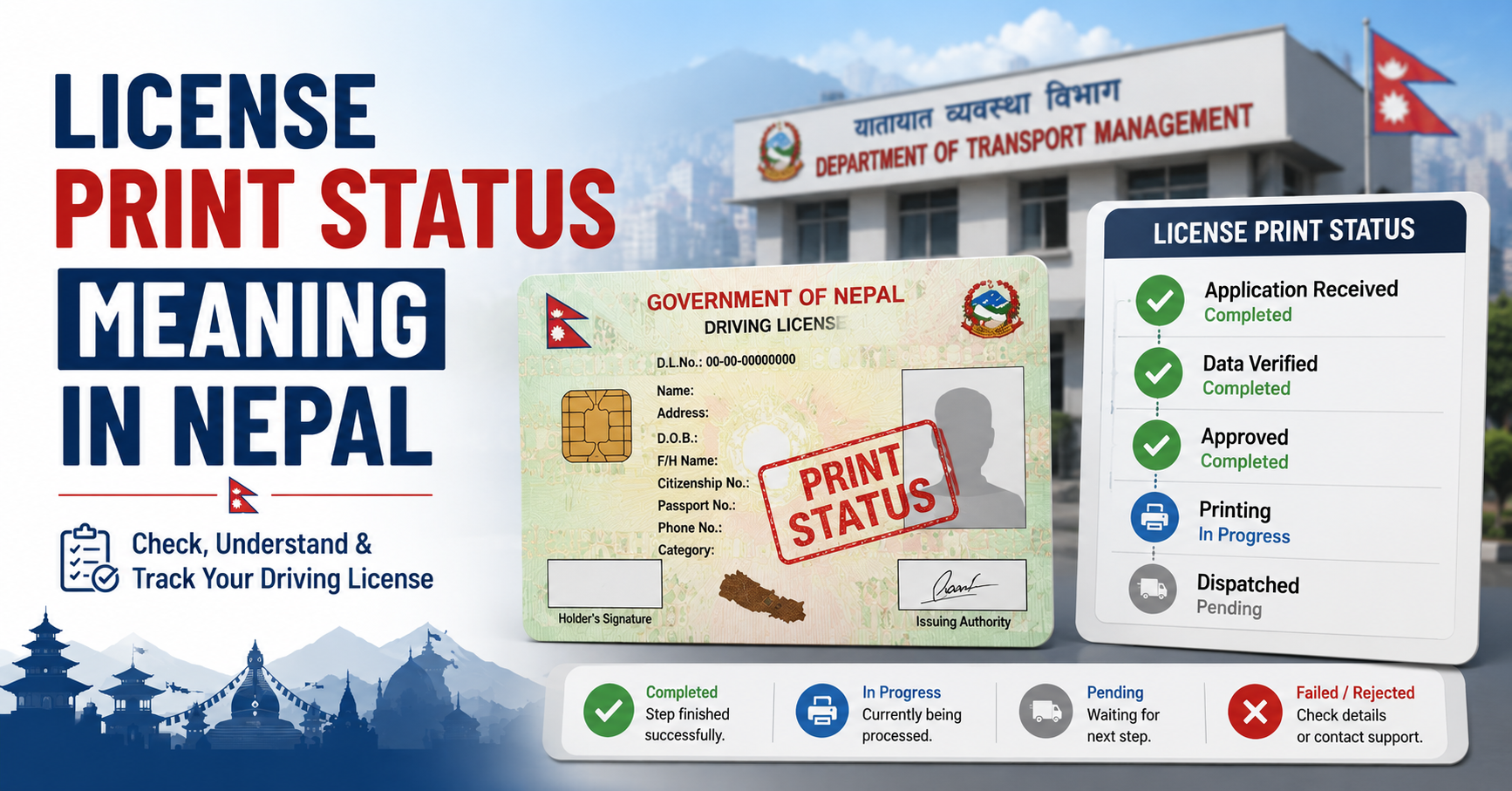
| Status | Meaning | What to Do |
|---|---|---|
| Pending | Application received, printing not started | Wait and check again in 5–7 days |
| Approved | Approved and queued for printing | Wait 7–14 working days |
| Printed | Smart card has been printed | Visit transport office with documents |
| Dispatched | Card sent to your local office | Collect with citizenship and receipt |
| Not Found | No record found | Recheck details or contact DOTM |
How Long Does Printing Take in 2026?
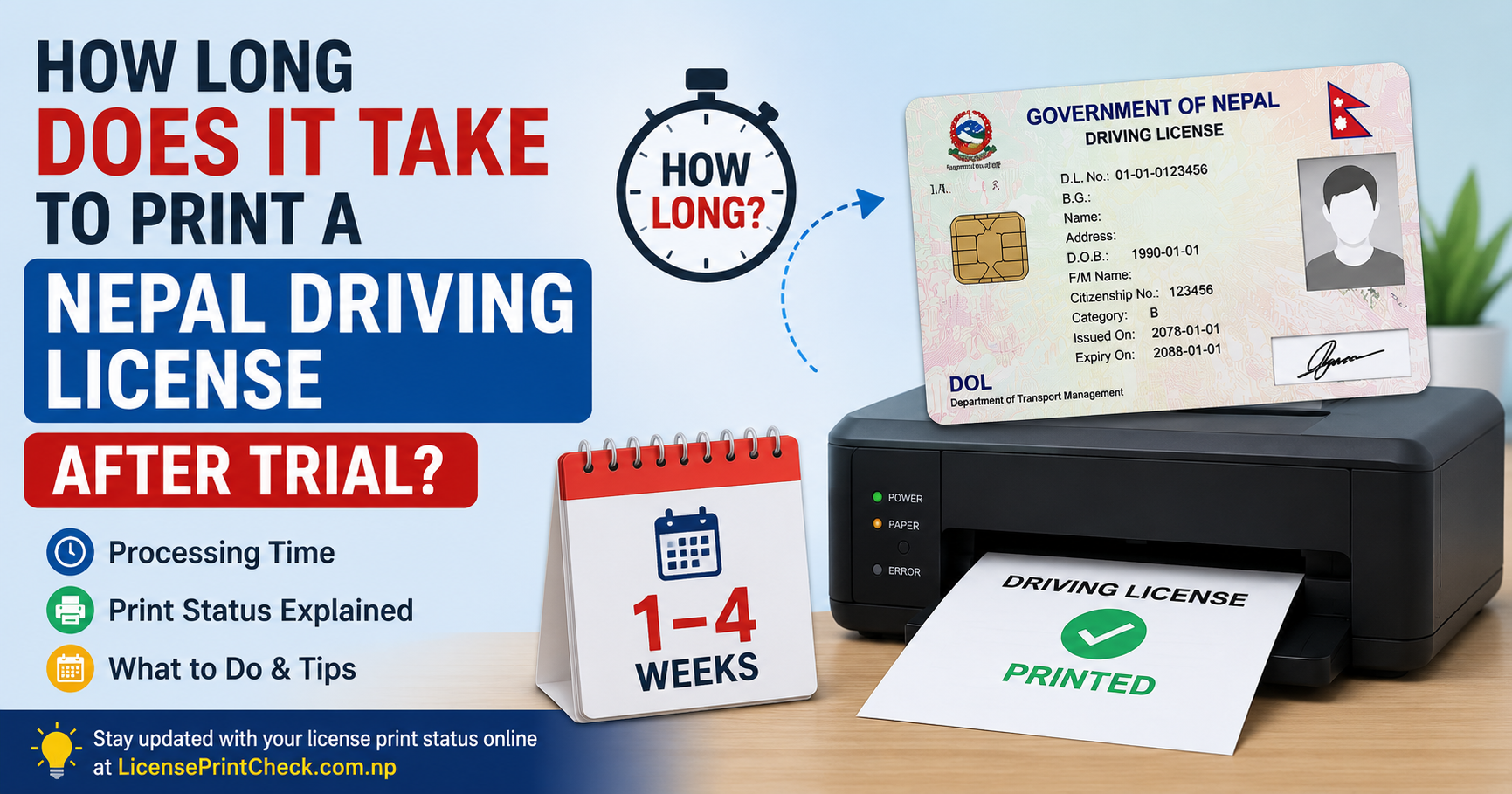
Under the current system, smart card printing typically takes 15–30 working days after your trial and biometric submission. During peak periods (fiscal year end, post-holiday), delays of 45+ days have been reported.
Tip: DOTM does not send SMS or email notifications when your card is ready. Check your status every 3–5 days.
Can I Use a Digital Copy While Waiting?
Yes. A digitally downloaded copy of your license from the official DOTM portal is legally valid for use until you receive your physical smart card. Traffic police in Nepal accept this digital proof.
Frequently Asked Questions
Can I check without a licence number?
No. Your licence number is mandatory to query the DOTM system.
Is LicensePrintCheck.com official?
No. It is an independent informational platform. Always use dotm.gov.np for official status.
My status has been "Pending" for 2 months. What should I do?
Visit your nearest transport office with your original application receipt and citizenship certificate to follow up in person. Long pending statuses are often caused by biometric data errors.