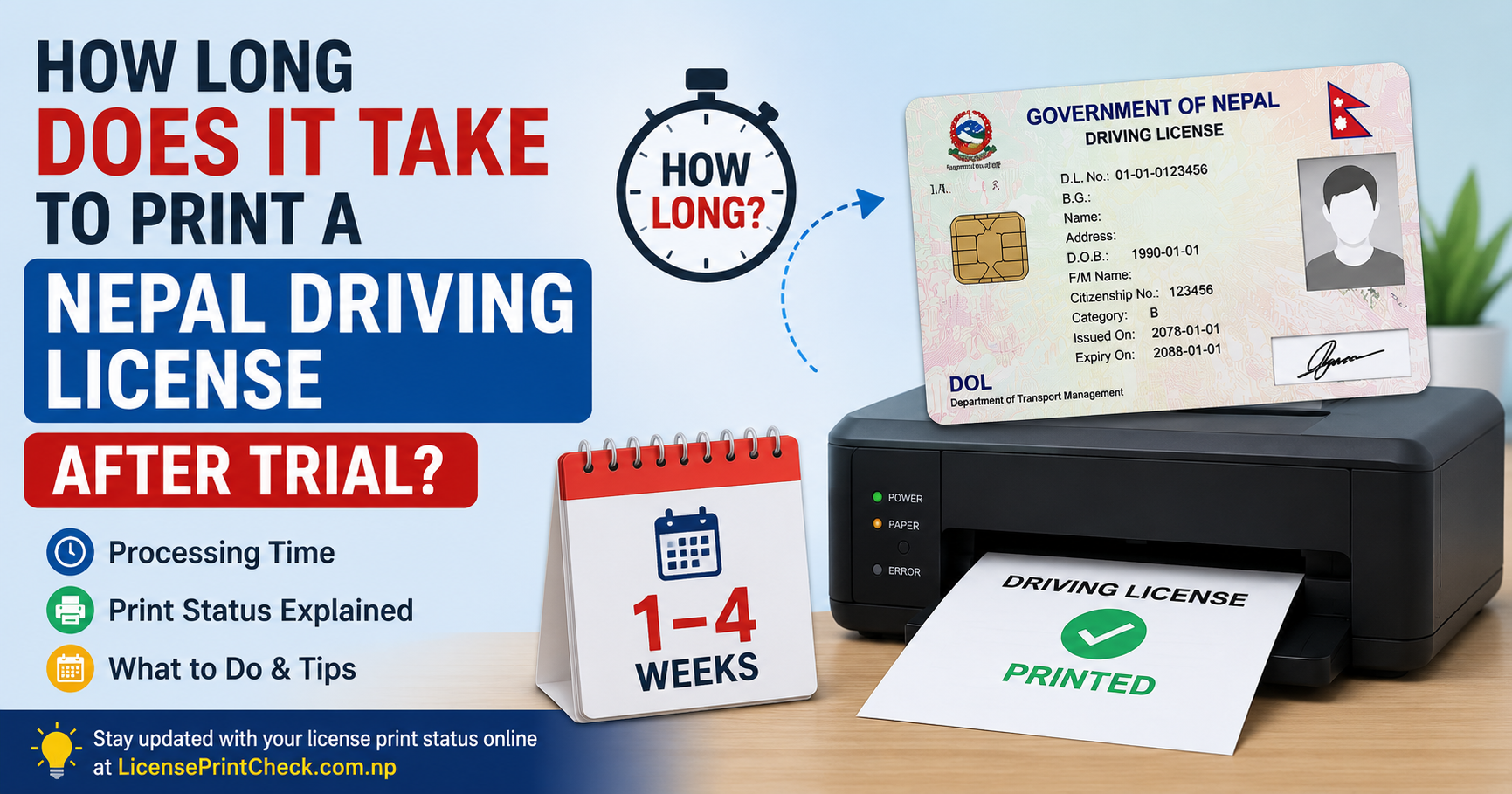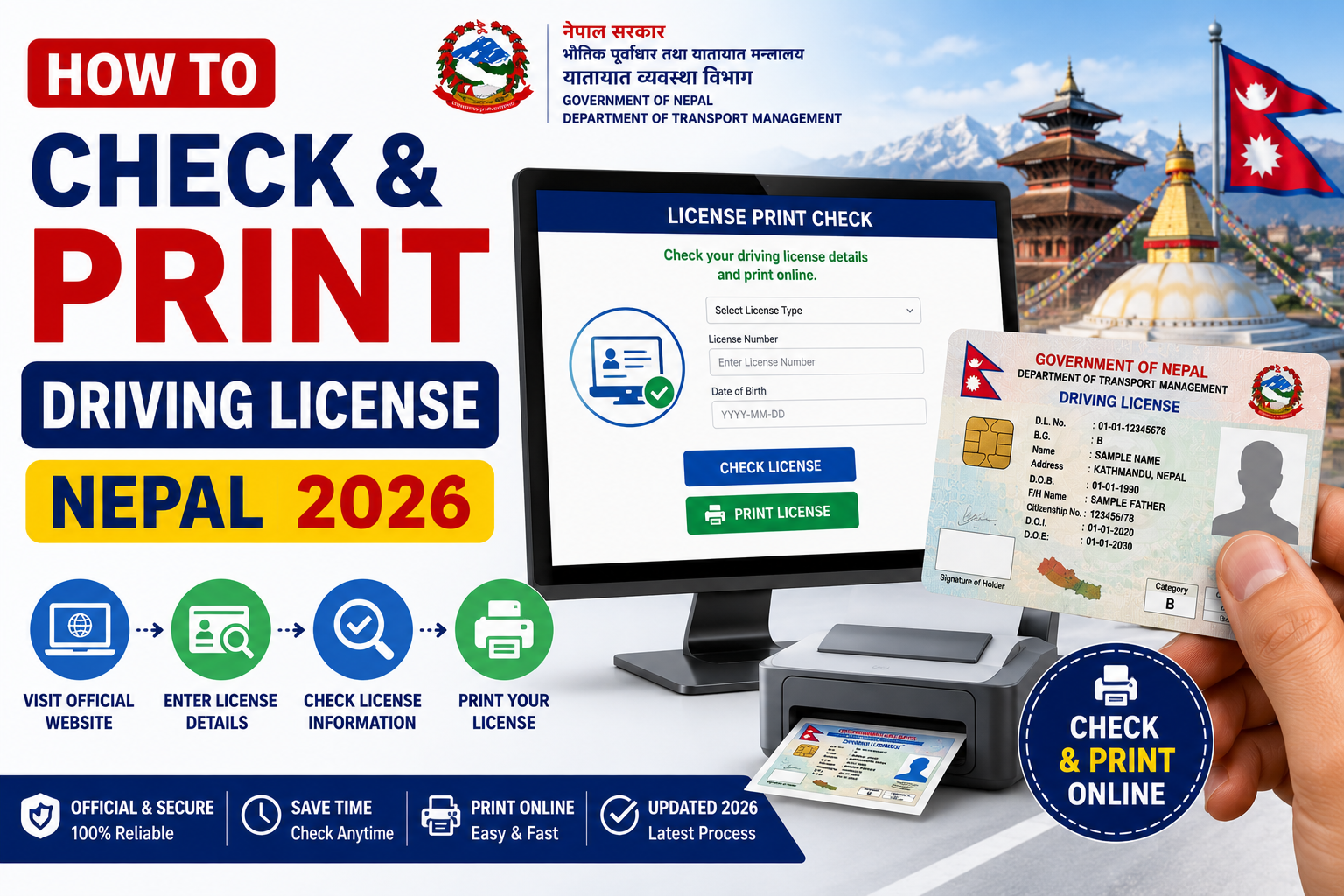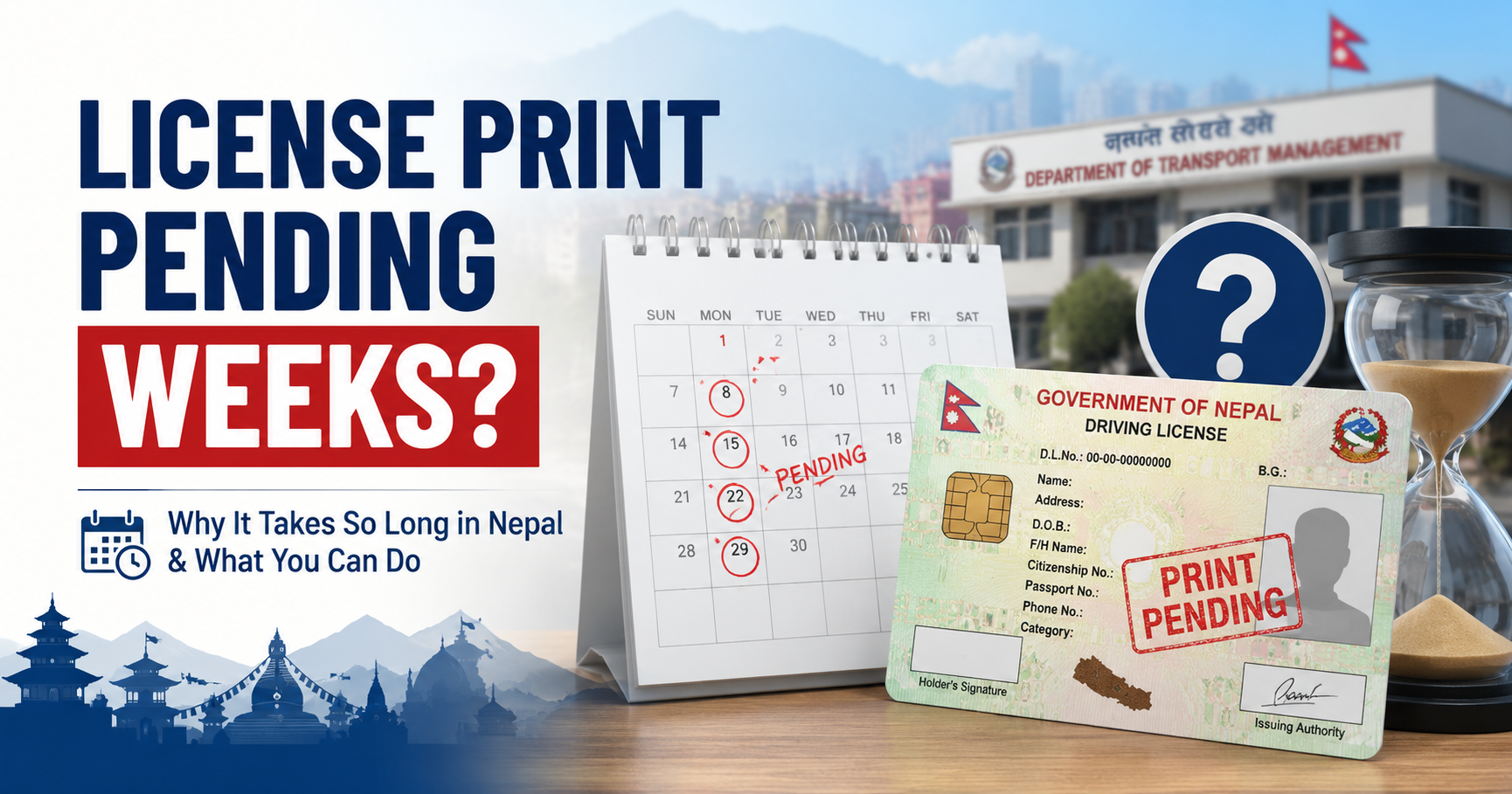
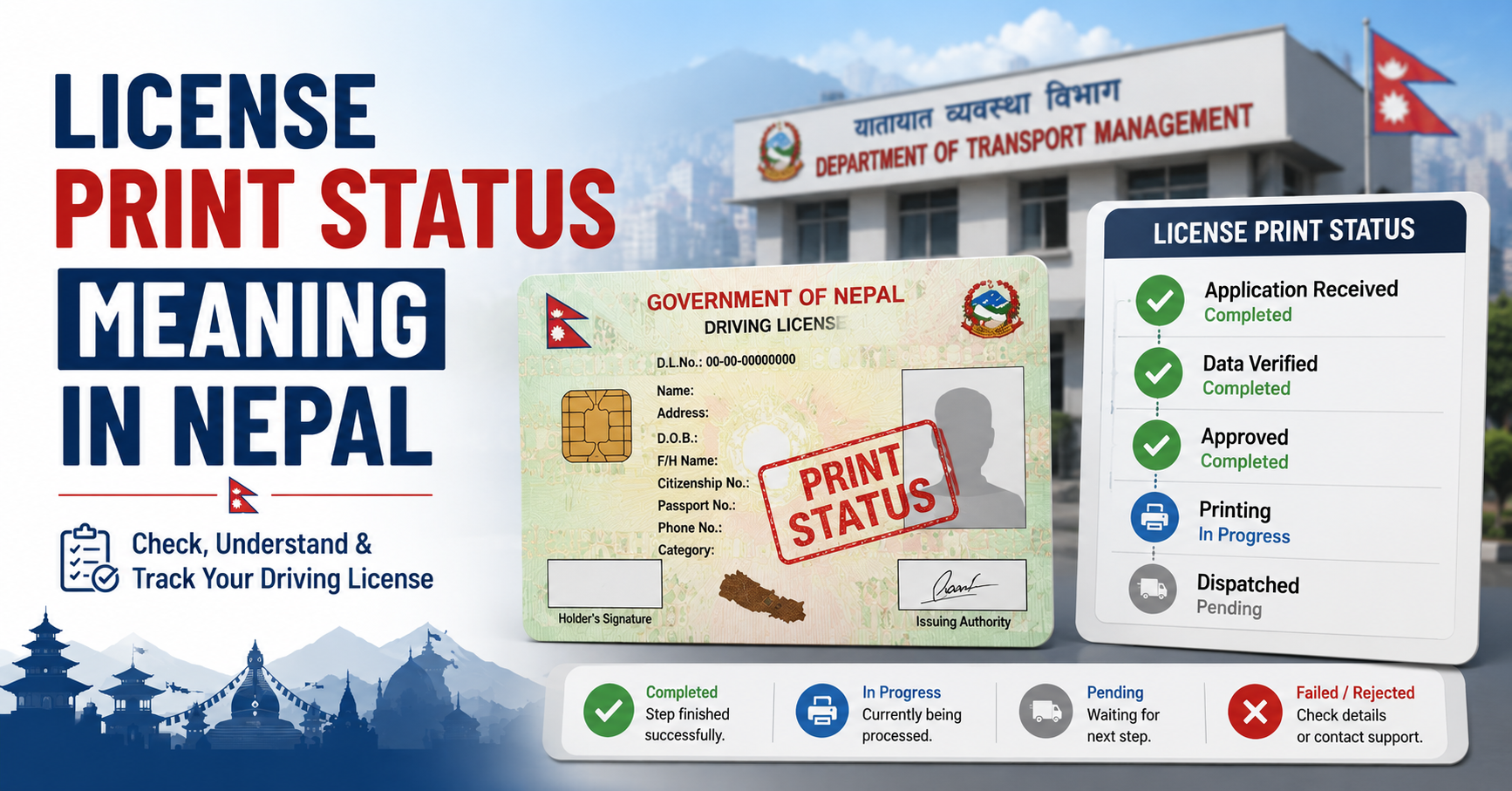
When you check your driving license print status on the DOTM portal, you will see one of several status codes. Many applicants are unsure what each status actually means or how long to wait. This post explains every possible status clearly.
All Possible Nepal License Print Status Values
1. Pending
Meaning: Your application has been received by DOTM but the smart card printing process has not started yet.
What to do: Wait 5–10 working days and check again. If it remains Pending for more than 30 days after your biometric date, visit your transport office.
2. Approved
Meaning: DOTM has verified and approved your application. Your file is in the queue waiting to be sent to the printing unit.
What to do: Wait 7–14 more working days. No action needed unless it stays Approved for over 3 weeks.
3. Printed
Meaning: Your smart card driving license has been physically printed at the central printing facility.
What to do: Your card will be dispatched to your local transport office within a few days. Start preparing your collection documents.
4. Dispatched
Meaning: Your printed smart card has been sent from the central office to your nearest District Transport Management Office (DTMO).
What to do: Visit your transport office with the documents listed below and collect your card.
5. Not Found / No Record
Meaning: The system cannot find any record matching the details you entered.
What to do: Double-check your licence number and date of birth format. Try both BS and AD date formats. If still not found after 72 hours of your biometric submission, contact DOTM directly.
6. Rejected
Meaning: Your application has been rejected due to errors in submitted documents or biometric data mismatch.
What to do: Visit your transport office immediately with all original documents to understand the reason and resubmit.
How Long Between Each Status?
| Status Transition | Typical Time |
|---|---|
| Biometric Day → Pending | 1–3 working days |
| Pending → Approved | 7–15 working days |
| Approved → Printed | 7–14 working days |
| Printed → Dispatched | 3–7 working days |
| Dispatched → Ready to Collect | Immediate (same day) |
Documents Needed for Collection
Once status shows Printed or Dispatched, bring these to your transport office:
- Original citizenship certificate (नागरिकता)
- Application receipt / token slip
- Passport-size photograph (optional, but recommended)
Important: DOTM does not notify you by SMS or email. You must check the portal manually. Check every 3–4 days after your Approved status.
Frequently Asked Questions
Can status go from Pending directly to Printed?
Yes. In some cases the portal skips showing "Approved" and jumps directly to "Printed." This is normal and does not indicate a problem.
My status changed to Dispatched but the office says they don't have it. Why?
There can be a 2–5 day lag between the dispatch update on the portal and physical arrival at local offices. Wait a few days and try again.
How do I check my status?
Use our free tool at LicensePrintCheck.com or visit the official DOTM portal at dotm.gov.np.