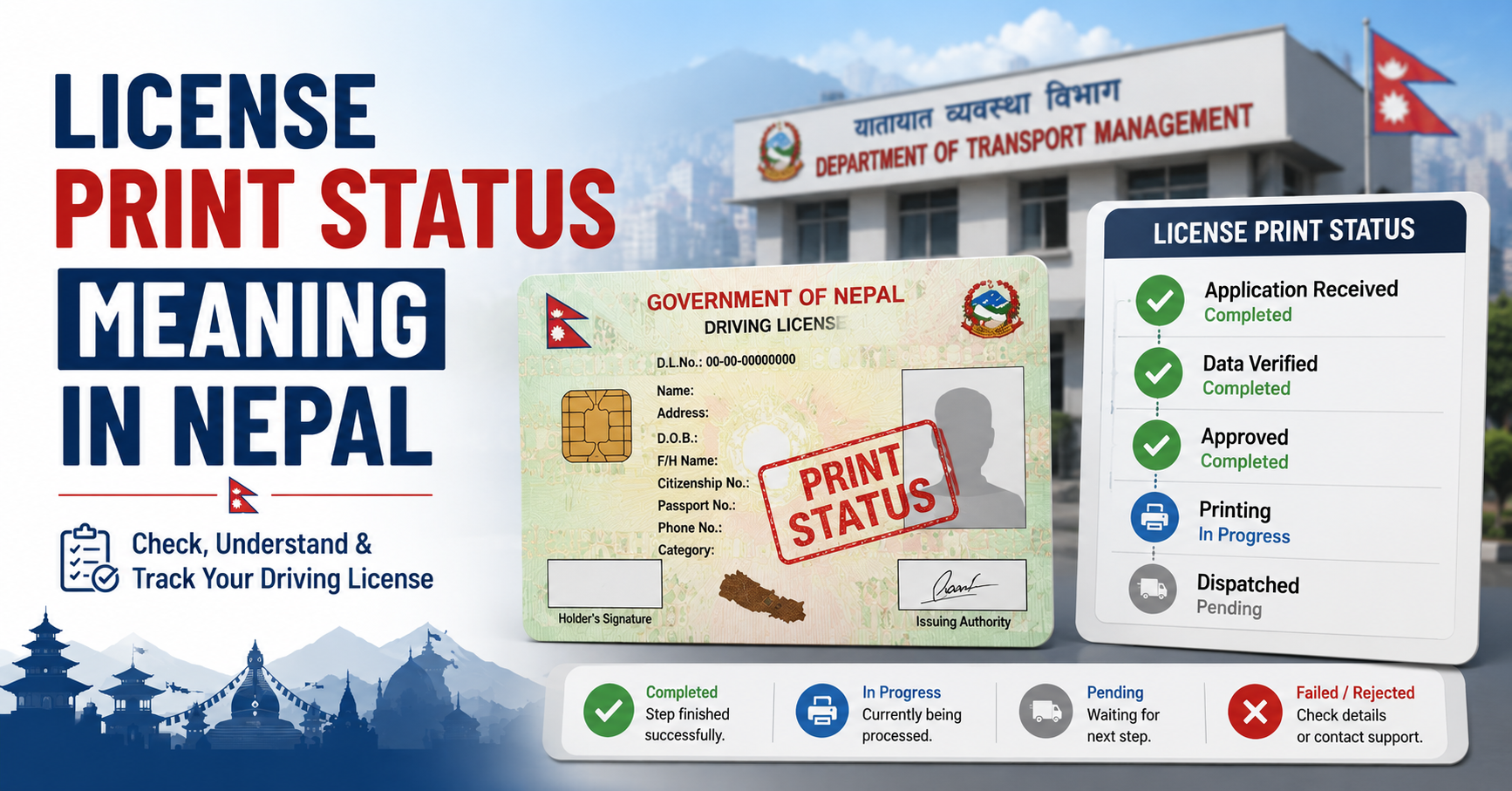
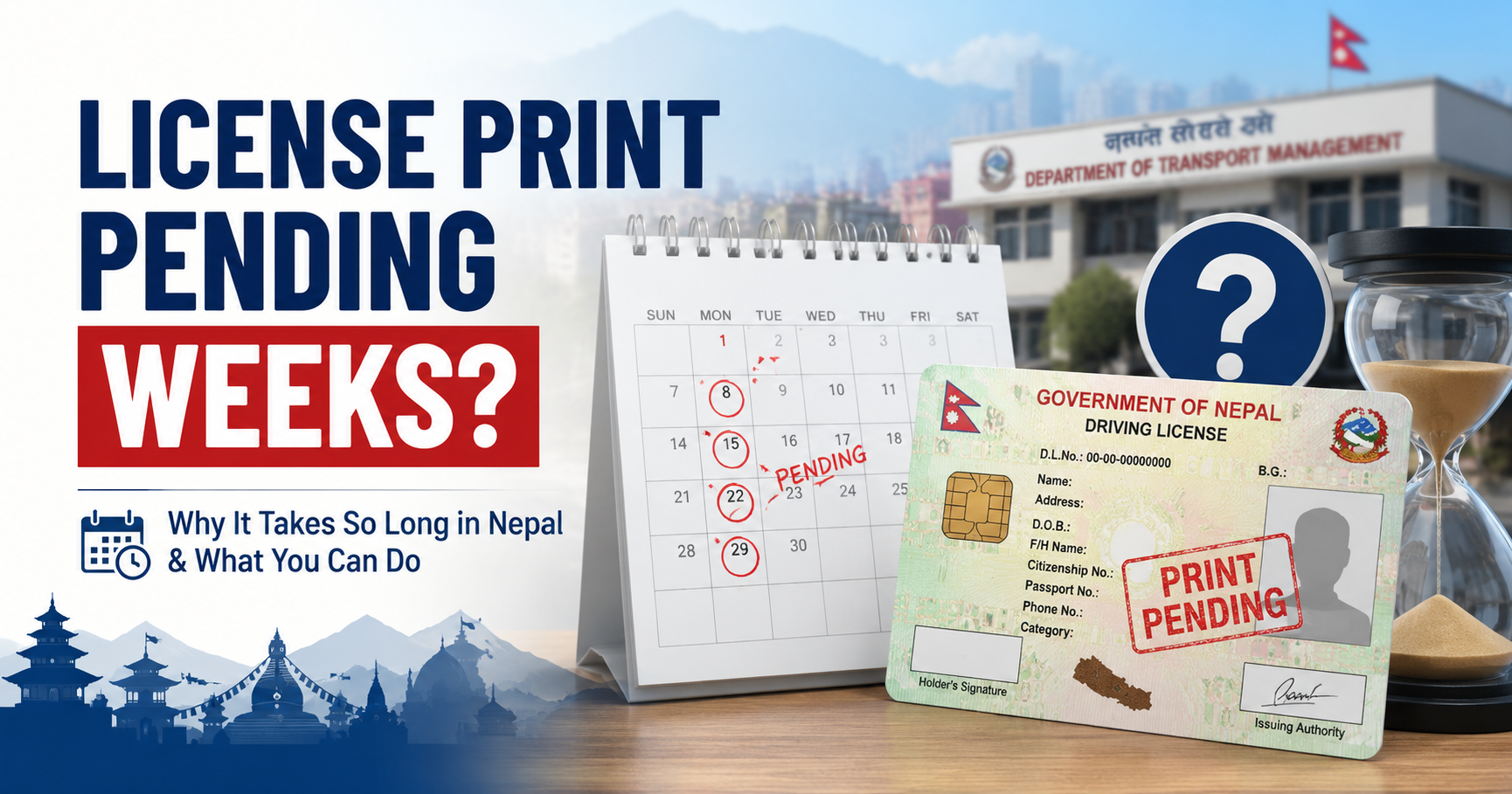
You passed your trial test weeks or even months ago, but your DOTM license print status is still showing Pending. You are not alone — this is one of the most common complaints among Nepali driving license applicants. Here is why it happens and what you can do about it.
Normal Wait Time vs. Problematic Wait Time
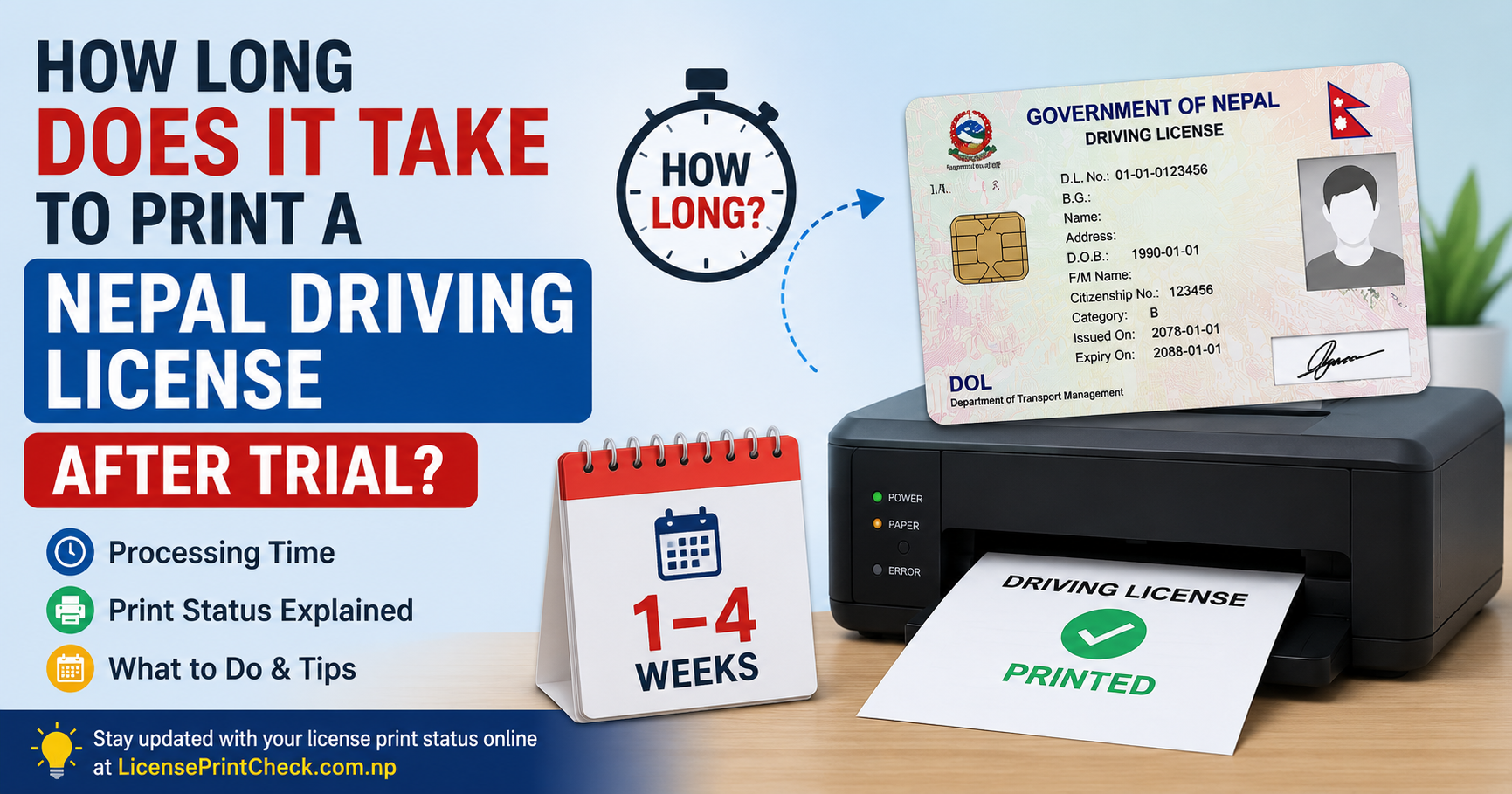
First, understand the baseline. Under normal conditions, your status should move from Pending to Approved within 7–15 working days of your biometric submission. If it has been longer than 30 working days and the status has not changed, something needs attention.
Common Reasons Your License is Stuck on Pending
1. Biometric Data Error
If your fingerprint scan or photo did not capture properly on biometric day, DOTM flags your file for manual review. This is the most common cause of long pending delays.
2. Document Mismatch
If any detail on your submitted documents (name spelling, DOB, citizenship number) does not exactly match your citizenship certificate, DOTM puts your file on hold.
3. Incomplete Payment
If your license fee payment was not fully confirmed in the system (network errors during online payment are common), your application may be on hold.
4. System Backlog at DOTM
DOTM processes thousands of applications daily. During peak periods — end of fiscal year (Ashadh), post-Dashain, and post-Baisakh — backlogs can extend processing by 2–4 weeks.
5. Office Transfer Issues
If you applied at one transport office but your citizenship address belongs to another zone, inter-office transfer delays can hold your file.
Steps to Fix a Long-Pending License Status
Step 1: Verify Your Details Are Correct
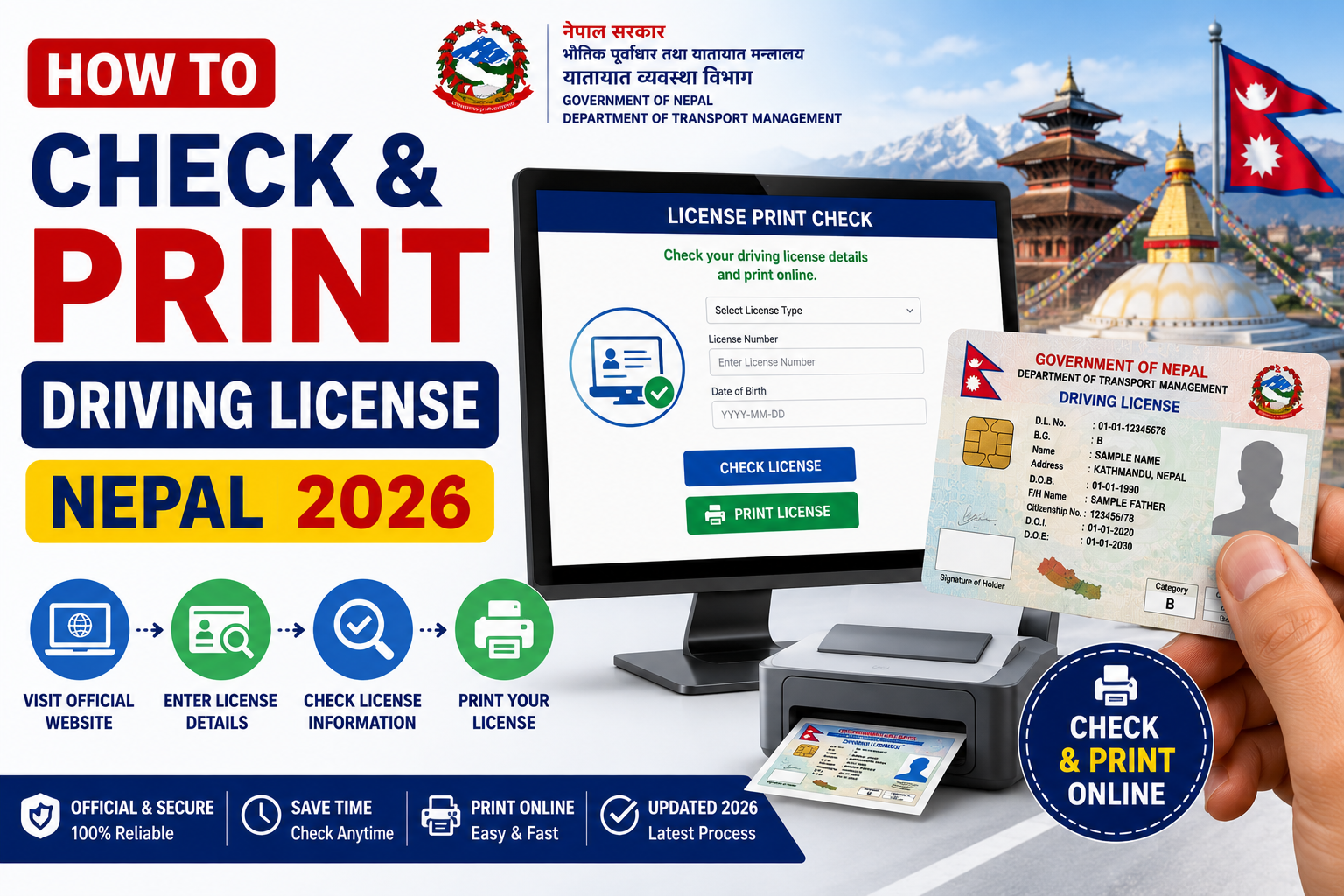
Go to LicensePrintCheck.com and re-enter your details carefully. Confirm your licence number from the original receipt and try both BS and AD date of birth formats.
Step 2: Wait 30 Working Days First
If you are under 30 working days, continue waiting. Contacting DOTM too early creates unnecessary congestion.
Step 3: Visit Your Transport Office in Person
After 30 working days, visit your nearest District Transport Management Office (DTMO) with:
- Original citizenship certificate
- Application receipt / token number
- Payment confirmation slip
Ask the staff to check your file status manually in their system and identify the specific hold reason.
Step 4: Submit a Written Inquiry
If the front desk cannot resolve it, submit a written application addressed to the office chief requesting a status review. Include your licence number, biometric date, and contact number.
Step 5: Contact DOTM Central Office
For persistent cases, contact DOTM headquarters in Kathmandu. You can also reach them through their official website at dotm.gov.np.
Important: Never pay money to agents or middlemen claiming to "speed up" your application. DOTM processing is a fixed government procedure.
Frequently Asked Questions
Will my license expire if it stays Pending too long?
No. Your application does not expire once submitted. However, if more than 1 year passes without resolution, you may need to restart certain steps. Contact DOTM to confirm your specific situation.
Can I drive while my status is Pending?
Not legally. You need either your physical smart card or a digitally downloaded provisional copy from the official DOTM portal. A printout of your portal application page alone is not sufficient.
Does checking status frequently help speed it up?
No. Checking is only for your information. Processing is done offline by DOTM staff.