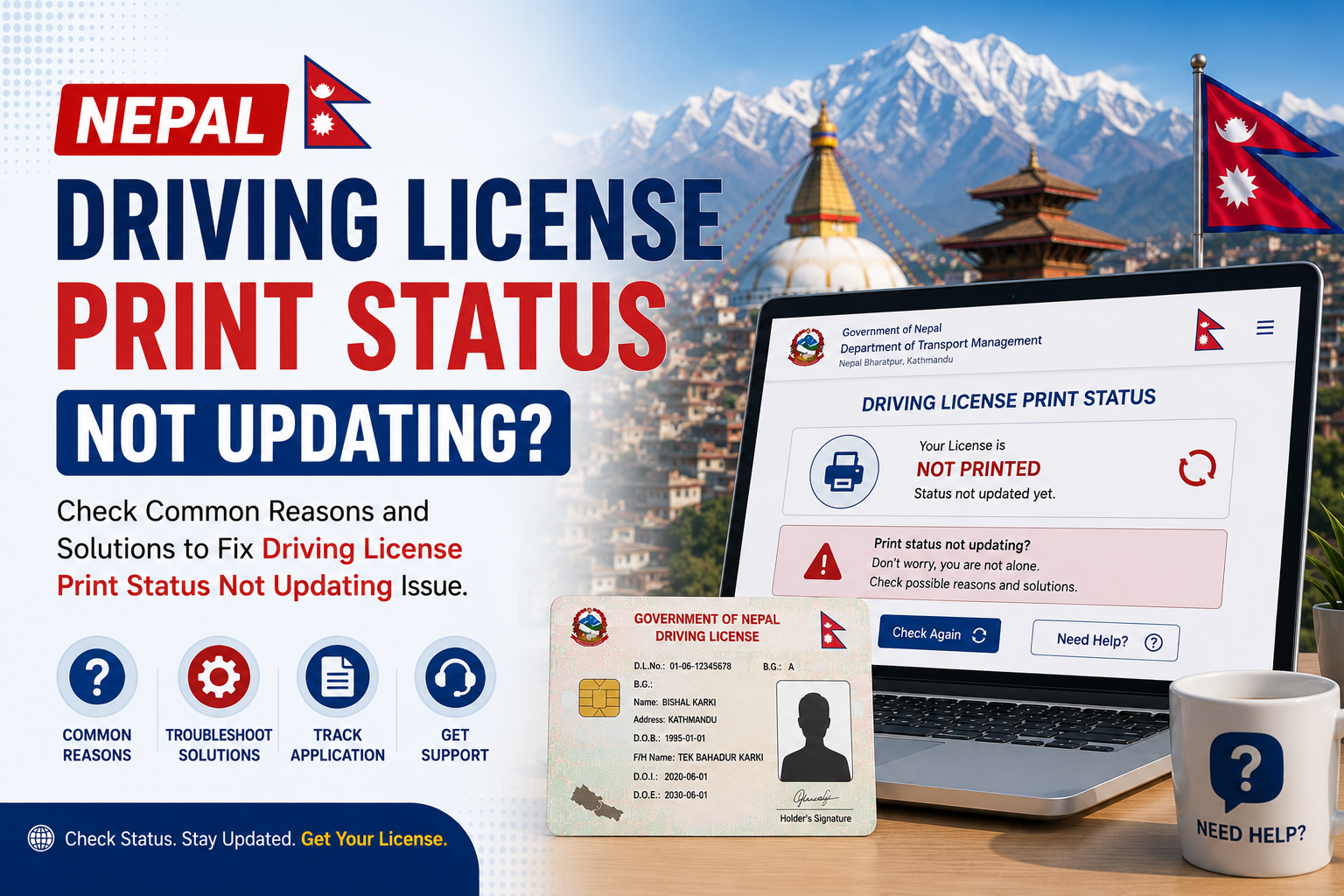
You have been checking the DOTM portal every day, but your Nepal driving license print status is not changing. Before panicking, understand that this is very common — and most cases have straightforward explanations. Here is a complete breakdown of why it happens and what to do.
Reason 1: DOTM Portal Cache or Server Issue
The DOTM online portal sometimes caches old results or experiences server lag. Your actual file status in their internal system may have changed, but the public-facing portal has not refreshed yet.
Fix: Clear your browser cache, try a different browser, or try checking from a different internet connection. Wait 24 hours and try again.
Reason 2: Processing Backlog at DOTM
DOTM processes thousands of applications nationwide. During high-volume periods, internal status updates can be delayed by 1–2 weeks even after actual processing is complete.
Fix: No action needed. Continue checking every 5 days. This resolves on its own.
Reason 3: Biometric Data Issue
If your fingerprint capture was poor quality on biometric day, DOTM holds your file for manual biometric verification. During this hold, the portal status freezes at its last value.
Fix: Visit your transport office and ask specifically about biometric issues with your application.
Reason 4: Citizenship Document Mismatch
Any discrepancy between your application data and your citizenship certificate — even a single character difference in your name or DOB — causes the file to be flagged for manual review without a status update.
Fix: Visit DOTM with original documents and request a file review.
Reason 5: Payment Not Confirmed in System
Online payment gateway failures occasionally result in money being deducted from your account but the payment not being registered in the DOTM system. Your file sits in limbo with no status update.
Fix: Bring your bank statement or payment confirmation to DOTM to verify and link the payment to your application manually.
Reason 6: Wrong Details Being Entered
Many users enter their details slightly wrong and assume the status is frozen when they are actually searching a different record (or no record at all).
Fix: Re-read your original application receipt carefully. Use the exact licence number shown there. Try both BS and AD date of birth formats.
When Should You Visit DOTM in Person?
- Status has not changed for more than 30 working days after your biometric date
- Status shows "Not Found" despite correct details
- Status shows "Rejected" without any explanation
Tip: Always visit the transport office where you submitted your original application, not just any nearby office. Only that office can access your specific file.
Quick Checklist Before Visiting DOTM
- Original citizenship certificate
- Application receipt with token number
- Payment confirmation (bank receipt or screenshot)
- Biometric appointment slip (if you have it)
Frequently Asked Questions
Can I check status on mobile?
Yes. The DOTM portal works on mobile browsers. You can also use LicensePrintCheck.com on your smartphone for a mobile-friendly experience.
Is the DOTM portal down sometimes?
Yes. The portal experiences occasional downtime, especially on weekday mornings when traffic is highest. Try checking in the evening or early morning for more reliable results.
My status updated from Pending to Pending again — is that normal?
That is likely a portal display issue. The underlying status has not changed. Wait a few more days and check again.